In this new video, we will see how we can make use of the Auto-Sum formula in MS Excel for calculating the sum of long cell data. The auto sum feature is highly useful, when we come across a lengthy numerical cell data, and we just need to apply this formula to get the sum of all those numbers. Hope you enjoy this video.

Subscribe to:
Posts (Atom)
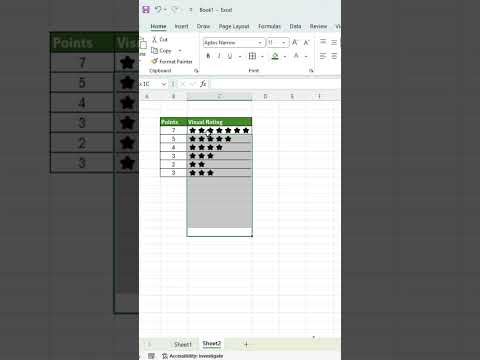
How to Create Star Ratings for Numbers Using the REPT Function in MS Excel
Star ratings are a simple and effective way to visually represent numerical values in Microsoft Excel. Whether you are working with custome...
-
In this new video, we will see how we can make use of the Auto-Sum formula in MS Excel for calculating the sum of long cell data. The auto s...
-
Hello everyone. This blog is being maintained to teach everyone how to use Microsoft Excel or MS Excel. We will initially go with the bas...
-
See how we can auto insert borders while entering data in MS Excel file. adding borders automatically to the cells in Excel helps you in sav...


